Practice, daily and challenge modes
Choose between open-ended practice, a shared daily board and five-color challenge puzzles.
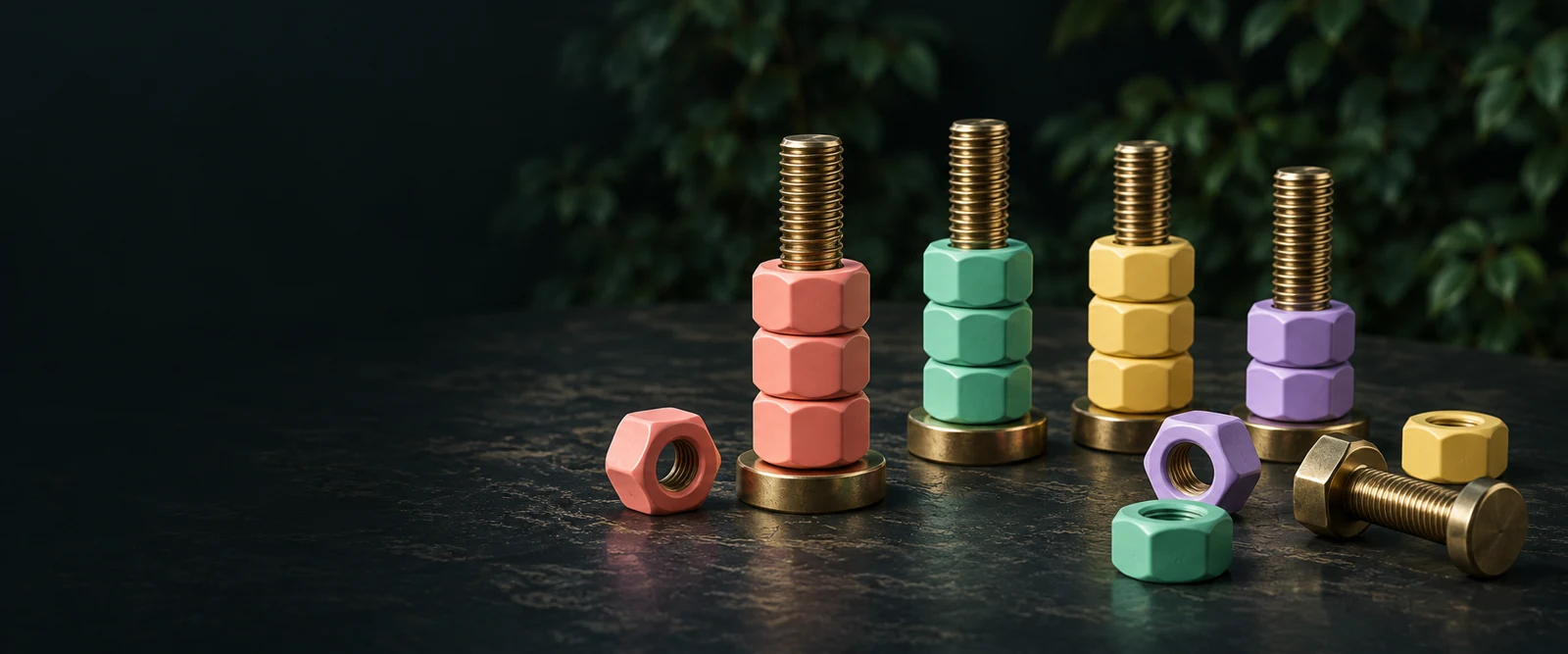
Choose your mode
| Mode | Colors | New board |
|---|---|---|
| Practice | Four | Next puzzle after a win. |
| Daily puzzle | Four | Changes after 00:00 UTC. |
| Challenge | Five | Next puzzle after a win. |
Practice is the easiest place to learn the interface. Challenge adds one color, which creates more combinations without changing move rules. Daily gives you one dated board, useful when you want to compare the same starting puzzle with someone else.
How the daily date works
The daily seed uses the UTC date rather than your device’s local midnight. Near a date change, two players in different time zones can still receive the same board if they load it on the same UTC day. On the undated Daily page, reload after 00:00 UTC to open the next dated board. A shared link with a date parameter reopens that earlier date; select Daily puzzle in the navigation to return to today. The date shown above the puzzle identifies which board you are playing.
Progress is separate
Practice, Challenge and each Daily date use different local storage entries. Switching modes does not reset your other mode. Progress is attached to this browser and origin, so it will not appear automatically on another phone or computer.
Sharing the same puzzle
For Practice and Challenge, the copied link includes the level. Daily uses the dated mode page. Loading a shared level starts that deterministic puzzle; it does not transfer the sender’s partially sorted board. If you want a fresh attempt on a saved puzzle, press Restart.